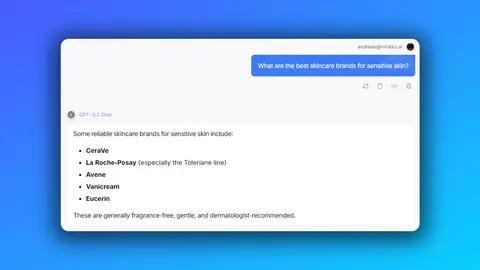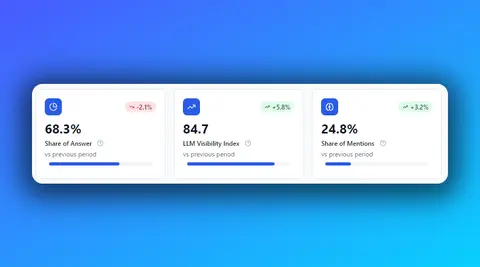

Until today, getting your AI visibility data out of Prominence meant opening the platform, asking Chat2Data inside it, or building on our API. Today we are adding a fourth way: the Prominence MCP.
Connect it to Claude, ChatGPT or any MCP-compatible agent and ask about your brand in your own words. The answer comes back in the same chat, with your real data: figures, competitors, engines and dates. It is available now for all Prominence AI customers.
What an MCP is, in one paragraph
MCP (Model Context Protocol) is an open standard that assistants like Claude and ChatGPT use to connect to external data sources. Once Prominence is connected, your agent can query your monitors whenever you ask it something, the same way it would search the web. It reads the same information you see in Prominence: how ChatGPT, Gemini, AI Mode, AI Overviews and Perplexity answer the prompts each monitor tracks. There is no new tool to learn and nothing to export.
What you can ask
Anything your monitors can answer, in plain language and in any language. These six prompts can be pasted as they are:
- Weekly review: “How did my brand do in ChatGPT over the last 30 days? Compare it with my top 3 competitors.”
- Spot a drop: “How has my visibility changed week by week in ChatGPT, Gemini and AI Mode? Flag where it dropped.”
- Competitor sources: “Which sites are cited most in answers about my category, and which ones cite my competitors but not me?”
- Content gaps: “Show me the prompts where my brand doesn’t appear and tell me where to start creating content.”
- YouTube: “Which YouTube channels and videos does AI cite in my category, and what are they about?”
- Leadership report: “Write a monthly visibility summary for leadership: key figures, biggest changes, top sources and two recommended actions.”
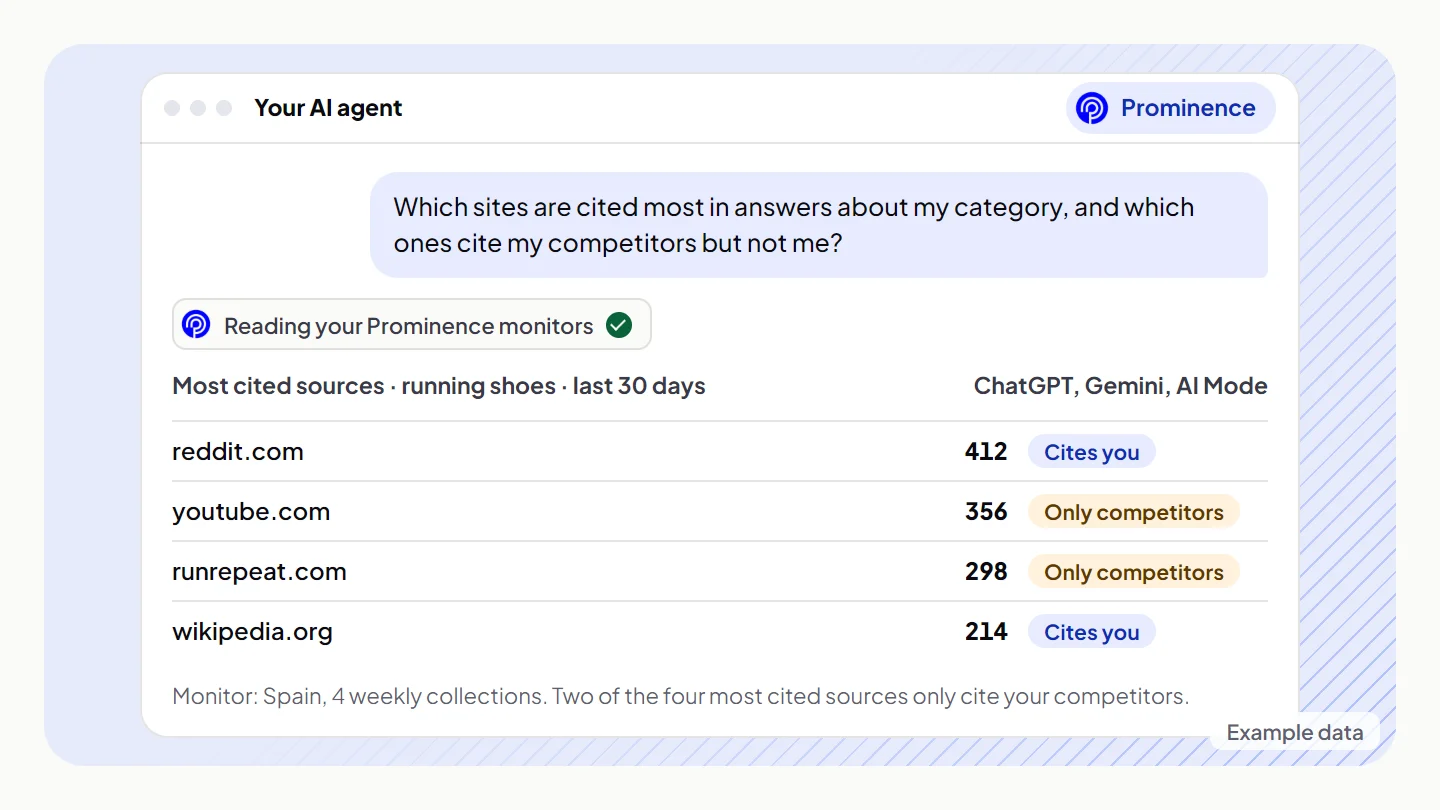
Behind those answers sits everything a monitor collects: the share of answers you appear in, your share of mentions and position, the same figures for every competitor, the trend week by week, the breakdown by engine and by prompt segment, the result prompt by prompt, the sources AI cites and the YouTube videos and channels it relies on.
Answers you can take to a meeting
A number on its own is easy to misread, so we set up the connector to make your agent read the data like a careful analyst, not a headline generator:
- Context for every number: which monitor and market, which dates, which engines and how many collections are behind it.
- Never a number on its own: visibility comes with position, share of mentions and the comparison with competitors.
- Small samples flagged: when a segment has few prompts, the figures are presented as indicative.
- Brand versus environment: a new engine, a week without collection or a change in prompts is not presented as your brand rising or falling.
- No invented causes: if the data doesn’t explain a change, it says so.
Where the time goes today
Think of the last time someone asked how the brand was doing in AI search before a meeting. The usual path: open the platform, pick the monitor and the dates, filter the engines, export, rebuild the comparison in a spreadsheet, paste a chart into a slide and write two lines on what changed.
With the MCP that path is one sentence. The agent picks the monitor, the dates and the engines, makes the comparison and writes the summary in the format you ask for. The time comes back in two places: the steps nobody has to repeat every week, and the questions that now get asked because they cost a sentence instead of an afternoon. Nobody waits for the monthly report or for an analyst to be free.
Cross it with the rest of your stack
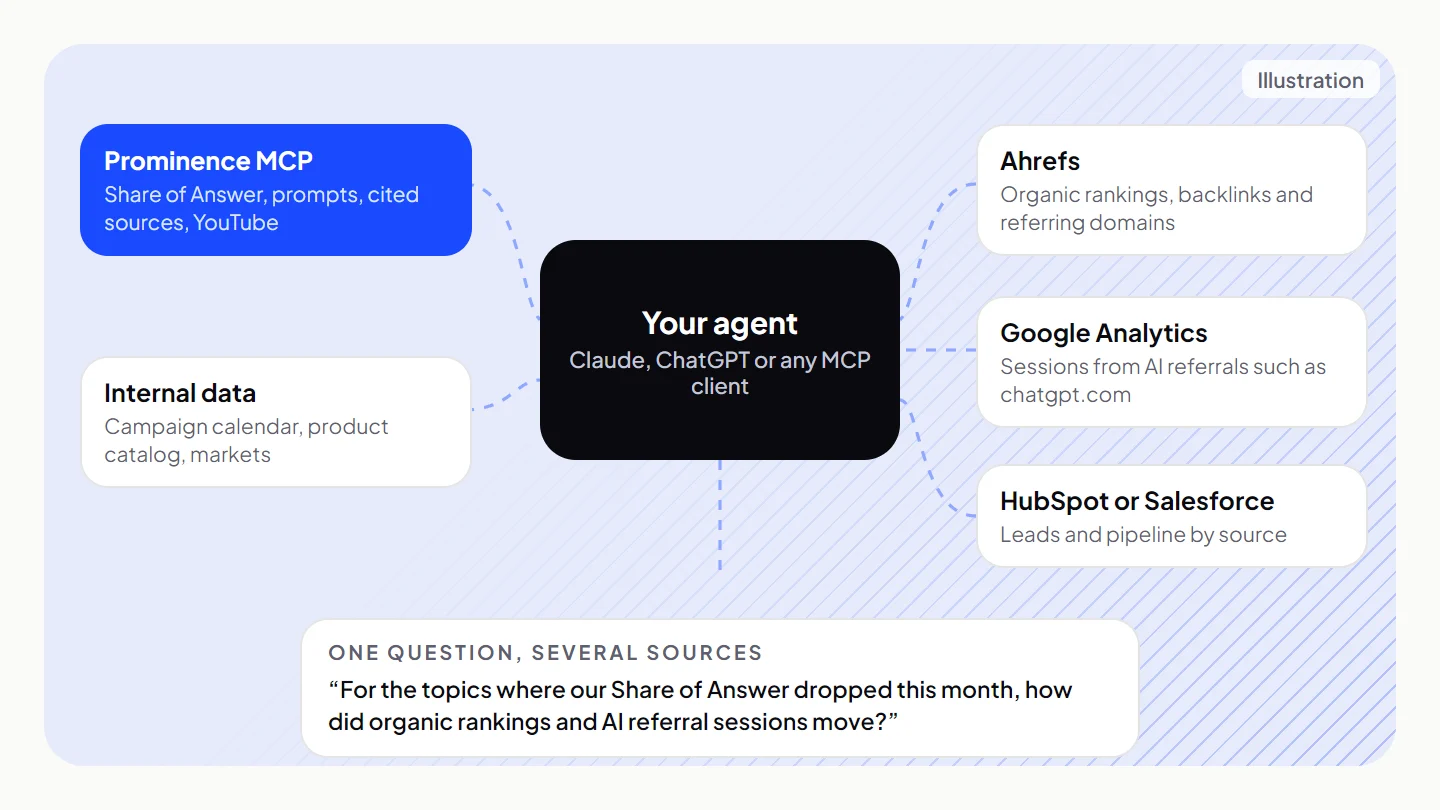
This is where the MCP goes beyond Chat2Data. Your agent can read Prominence next to any other source it is connected to and combine them in one answer. Several tools your team probably uses already publish official MCP servers. A few combinations worth trying:
- Ahrefs (official MCP): “For the topics where we lose Share of Answer, what are our organic rankings in Ahrefs, and which referring domains do our competitors have that we don’t?” It separates an SEO problem from an AI visibility problem, and turns cited sources into a link and PR target list.
- Google Analytics (Google’s experimental MCP server): “Put our weekly Share of Answer in ChatGPT next to the sessions referred by chatgpt.com over the last 12 weeks.” Visibility and traffic side by side, in one chart.
- HubSpot or Salesforce (HubSpot and Salesforce both host official servers): “Show our AI visibility trend this quarter next to new leads by source.” It brings AI search into pipeline conversations.
- Your own files: a campaign calendar, a launch plan or a list of markets. “Line up our campaign calendar with week-by-week Share of Answer and flag the weeks where visibility moved.”
Two things to keep in mind. Each connector keeps its own permissions, and the Prominence one is read-only. And two lines moving together are a starting point for a conversation, not proof that one caused the other. Ask your agent to say which is which.
Automate the reporting
Once a question works, it doesn’t need to be asked by hand every week. If your agent can run a prompt on a schedule, or your workflow tool can trigger it, the check becomes a delivery:
- Monday at 9:00: the weekly review posted to your team’s Slack channel (Slack has an official MCP server).
- Drop alert: “Compare this week with last week in each engine and only report changes of more than 5 points.” Silence when nothing moves.
- First Monday of the month: the leadership summary, with key figures, the biggest change and two actions.
- For agencies: the same prompt run once per client or market, each against its own monitor.
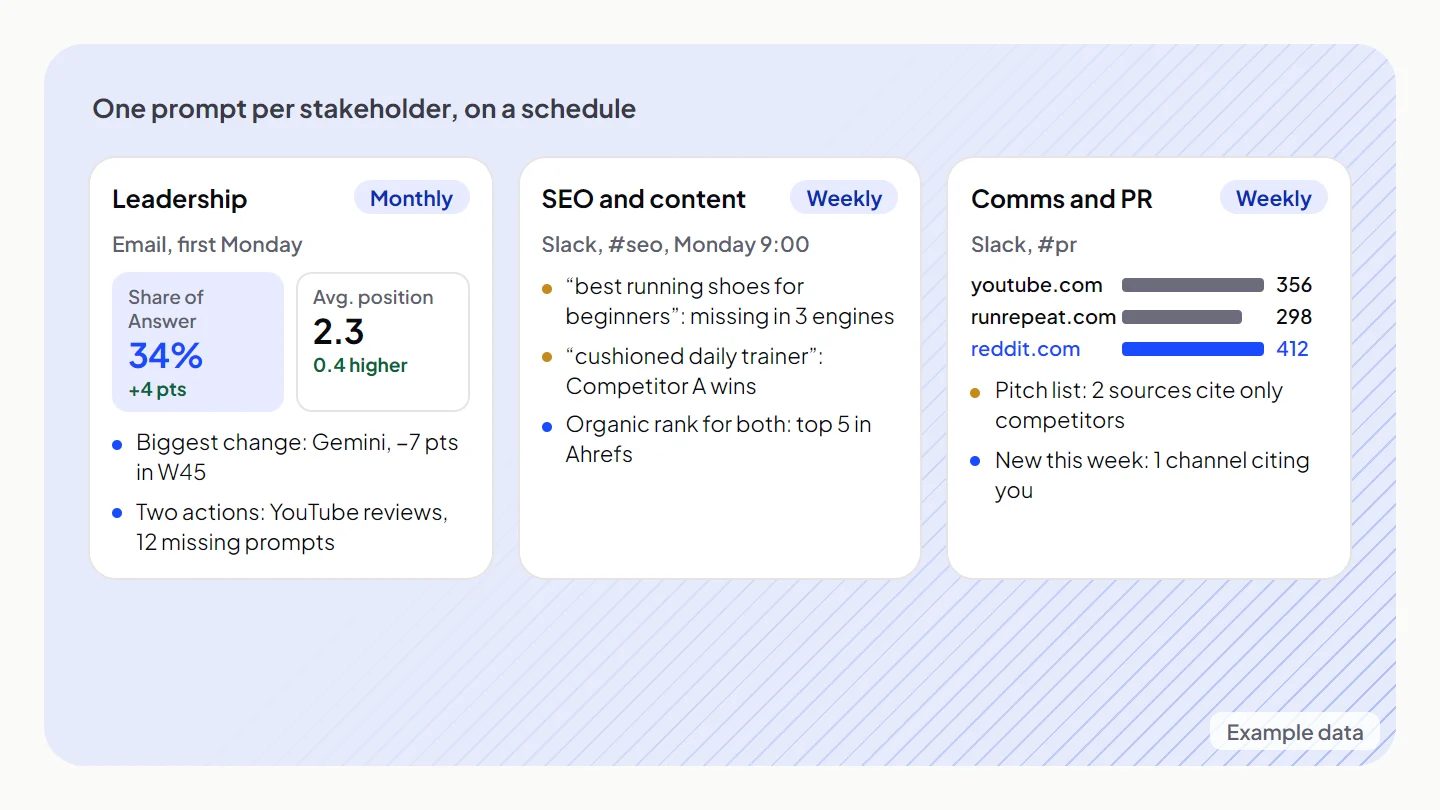
One report per stakeholder
Each team needs a different cut of the same data. The prompt is what changes:
| Who | What they need | Ask |
|---|---|---|
| Leadership | Position against competitors, the change of the month and what to do about it | “Write a one-page monthly summary for the board: Share of Answer against our top 3 competitors, the biggest change and two recommended actions.” |
| Marketing and brand | The trend by engine and category, and early warning | “Week by week, by engine and by segment: where are we growing and where did we drop?” |
| Content and SEO | The prompts where the brand doesn’t appear and the pages AI relies on | “List the prompts where we don’t appear, the pages AI cites instead, and where to start.” |
| Comms and PR | The media, sites and YouTube channels AI cites | “Which sources and YouTube channels cite our competitors but not us? Give me a pitch list.” |
| Agencies and data teams | Reports for several markets or brands without manual exports | “Prepare the same one-page summary for each market in this account.” |
Read-only, with your key
Access is always your company’s decision, and you can cut it at any time:
- Read-only: the agent reads data. It can’t create, change or delete anything in Prominence.
- Your own key: created in Settings → API Keys, with the permissions you choose: monitors, metrics, prompts, sources, YouTube. We recommend one key just for the agent.
- Only your data: the key only opens the monitors in your account.
- Instant disconnect: disable the key and the agent loses access on its next query, without affecting other integrations.
- Rate limited: the same per-minute limit as the Prominence API.
It also helps to know what it doesn’t do. It doesn’t run new queries on AI engines: it works with the data Prominence has already collected, usually weekly. It doesn’t add prompts, competitors or monitors. And it only compares the brands your monitor tracks, so a brand that isn’t in the monitor won’t appear in the figures until you add it as a competitor.
How to connect it
It takes a few minutes and no development:
- Create a key in Prominence, in Settings → API Keys, with the permissions you want to give.
- Add Prominence to your assistant as a connector with the address
https://mcp.prominenceai.io/mcpand approve access with your key. - Ask in the chat, like you’d ask a colleague.
It works with Claude (web, desktop and mobile), ChatGPT in developer mode, Claude Code and other MCP-compatible assistants. Step-by-step guides for each one are in Prominence, in Settings → MCP.
Chat2Data stays
The MCP doesn’t replace Chat2Data. Chat2Data is the agent inside Prominence: no setup, answers with the platform’s tables and charts. The MCP brings Prominence into your own agent, next to your other tools and data. Most teams will use both.
See everything the connector can do on the Prominence MCP page, or book 30 minutes with us and we’ll set it up with your team.